Identity Pages Showcase

Examples of Identity pages generated with IdentitySuite's built-in customization tool

These screenshots show the default IdentitySuite branding purely as a starting point. The tool included in the application lets you customize every logo, color, and text on these pages, so your users will only ever see your own brand.
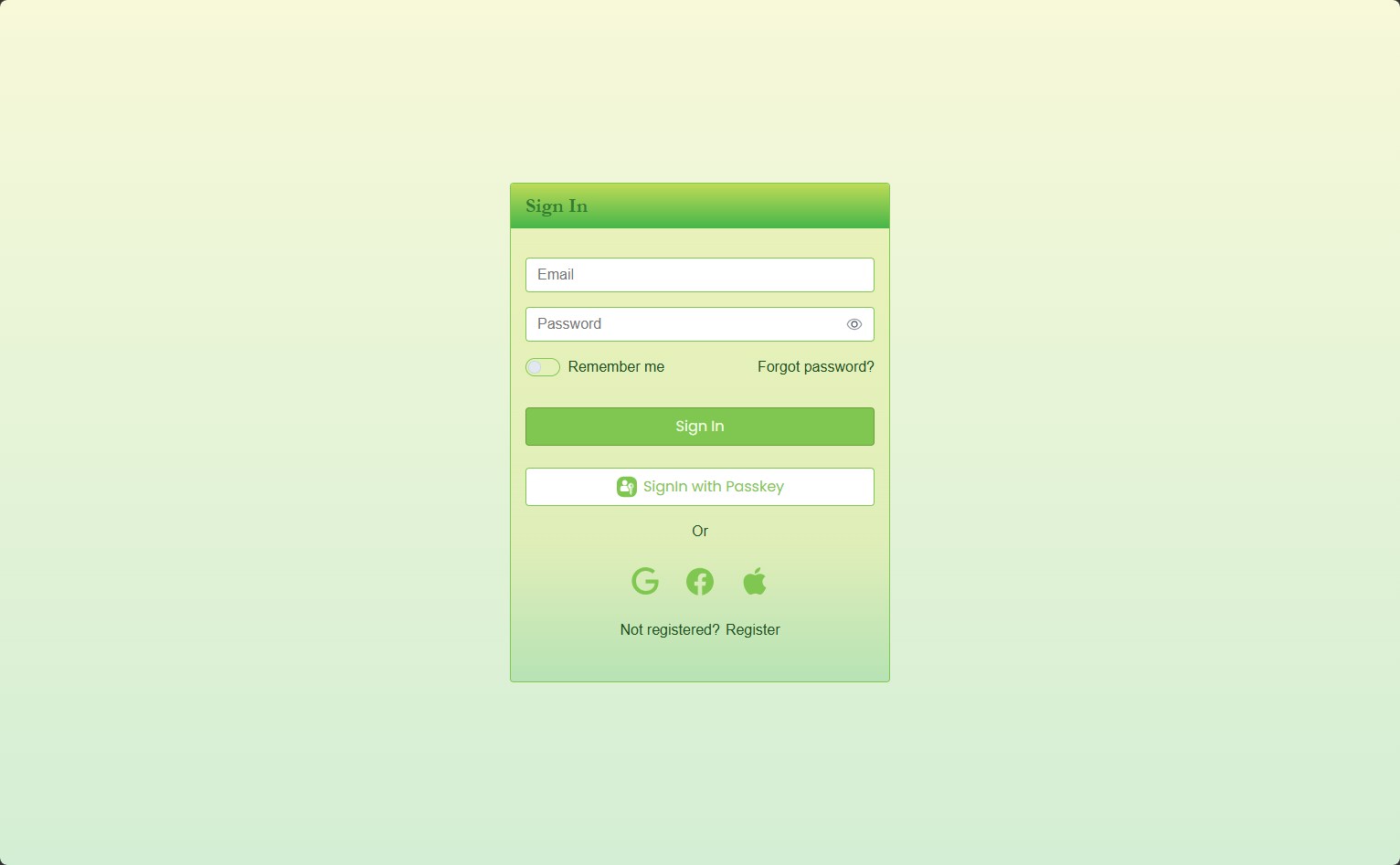
Centered sign-in card, lime theme
Desktop sign-in page using the centered layout template: a compact card with a gradient green header, email and password fields, a passkey button, and social sign-in icons for Google, Facebook and Apple
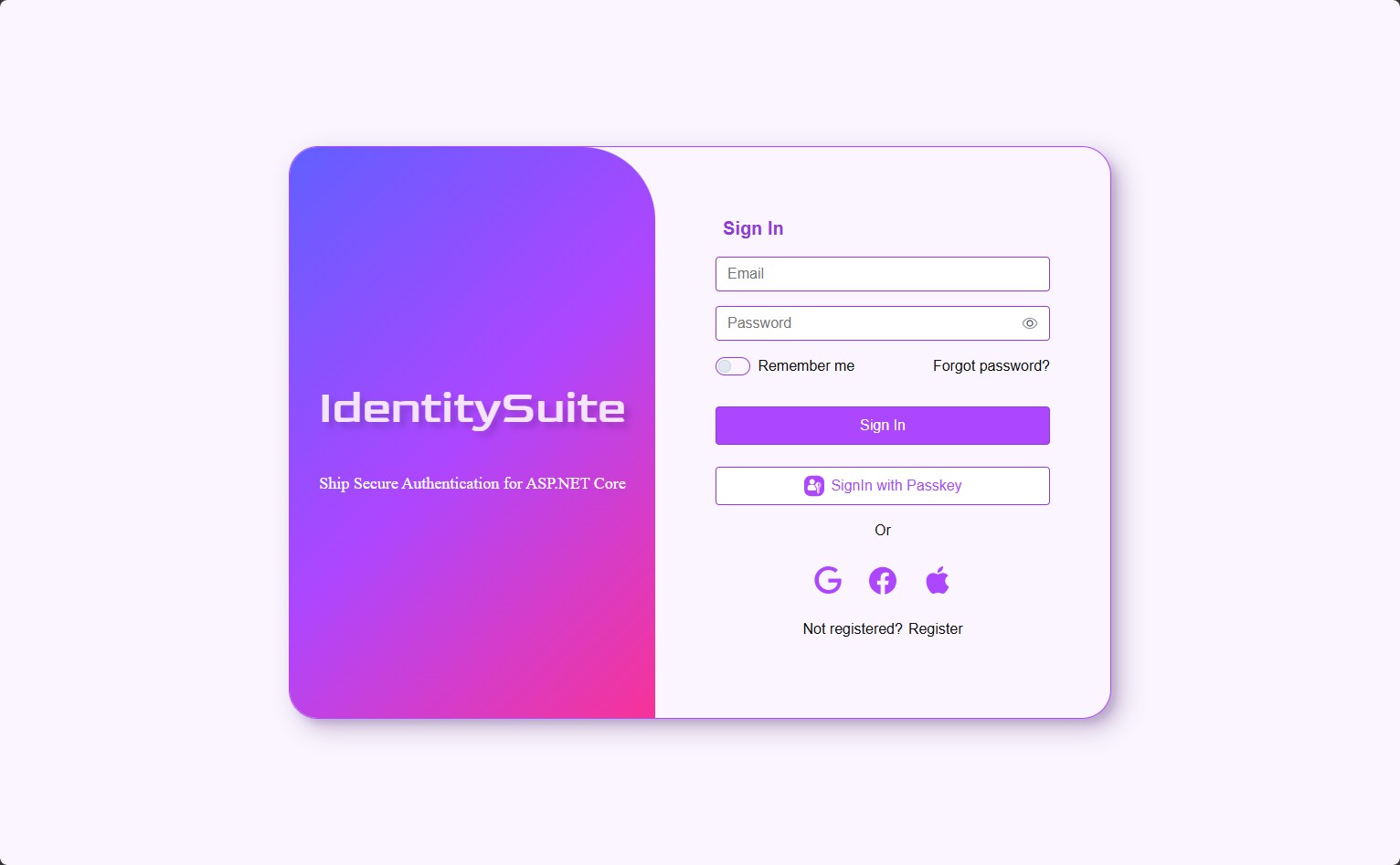
Split layout sign-in, brand panel on the left
Desktop sign-in page using the split layout template, boxed in a rounded card: a violet gradient brand panel with tagline on the left, and the sign-in form on the right
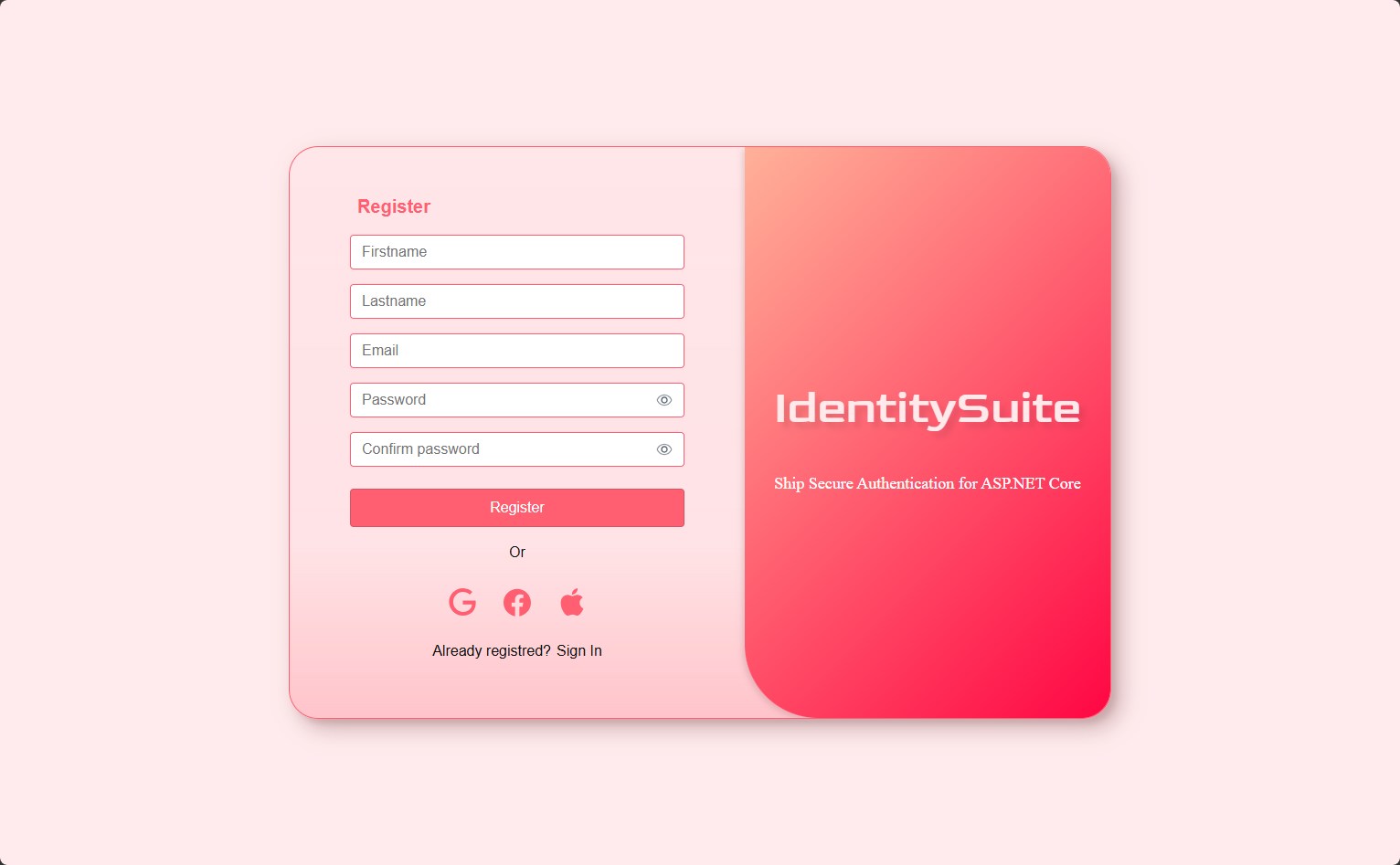
Split layout register, brand panel on the right
Desktop register page using the split layout template, boxed in a rounded card: a salmon gradient brand panel with tagline on the right, and the register form on the left
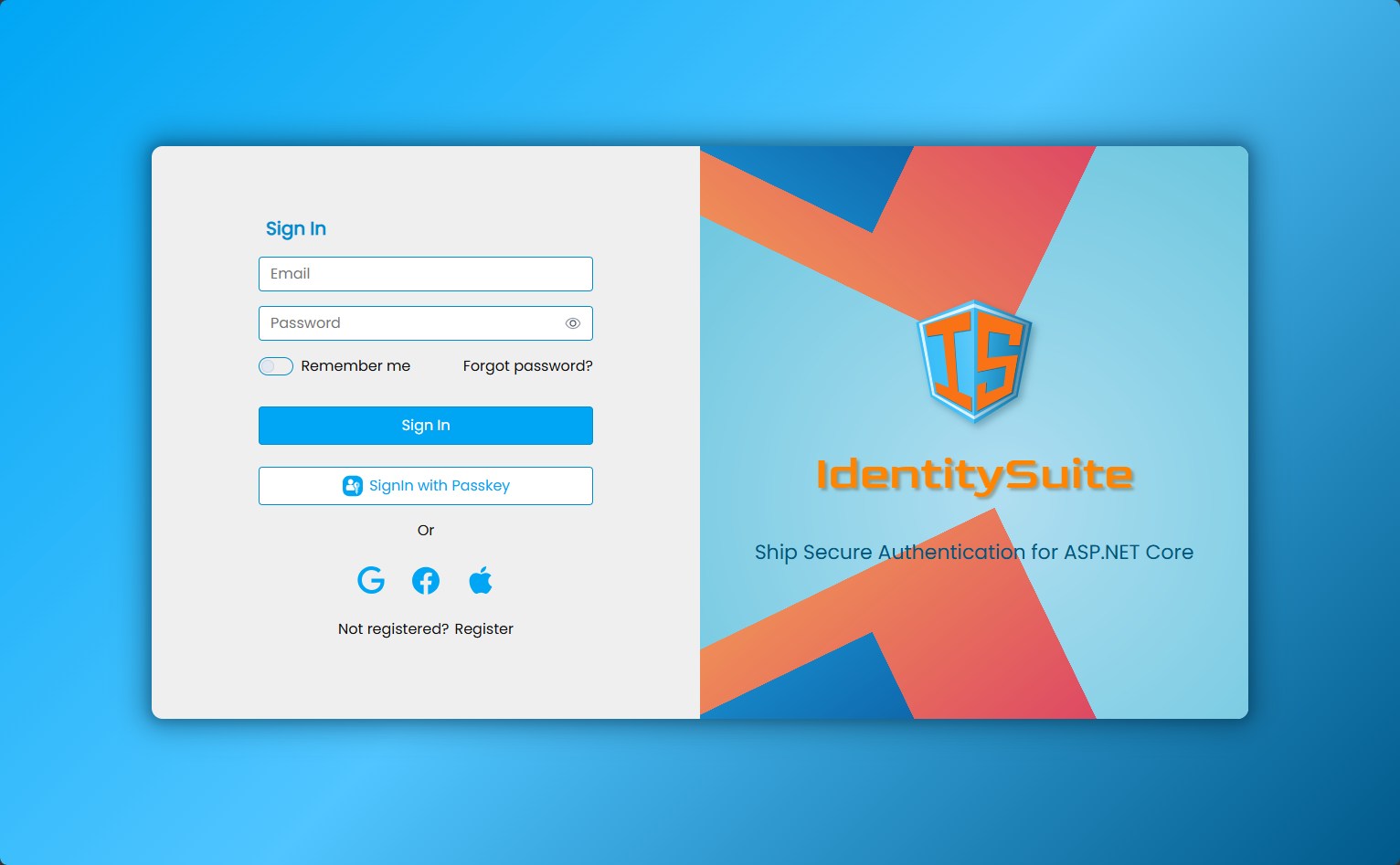
Split layout sign-in, brand panel on the right
Desktop sign-in page using the split layout template, boxed in a rounded card: the sign-in form on the left and a blue-and-orange brand panel with the logo and tagline on the right
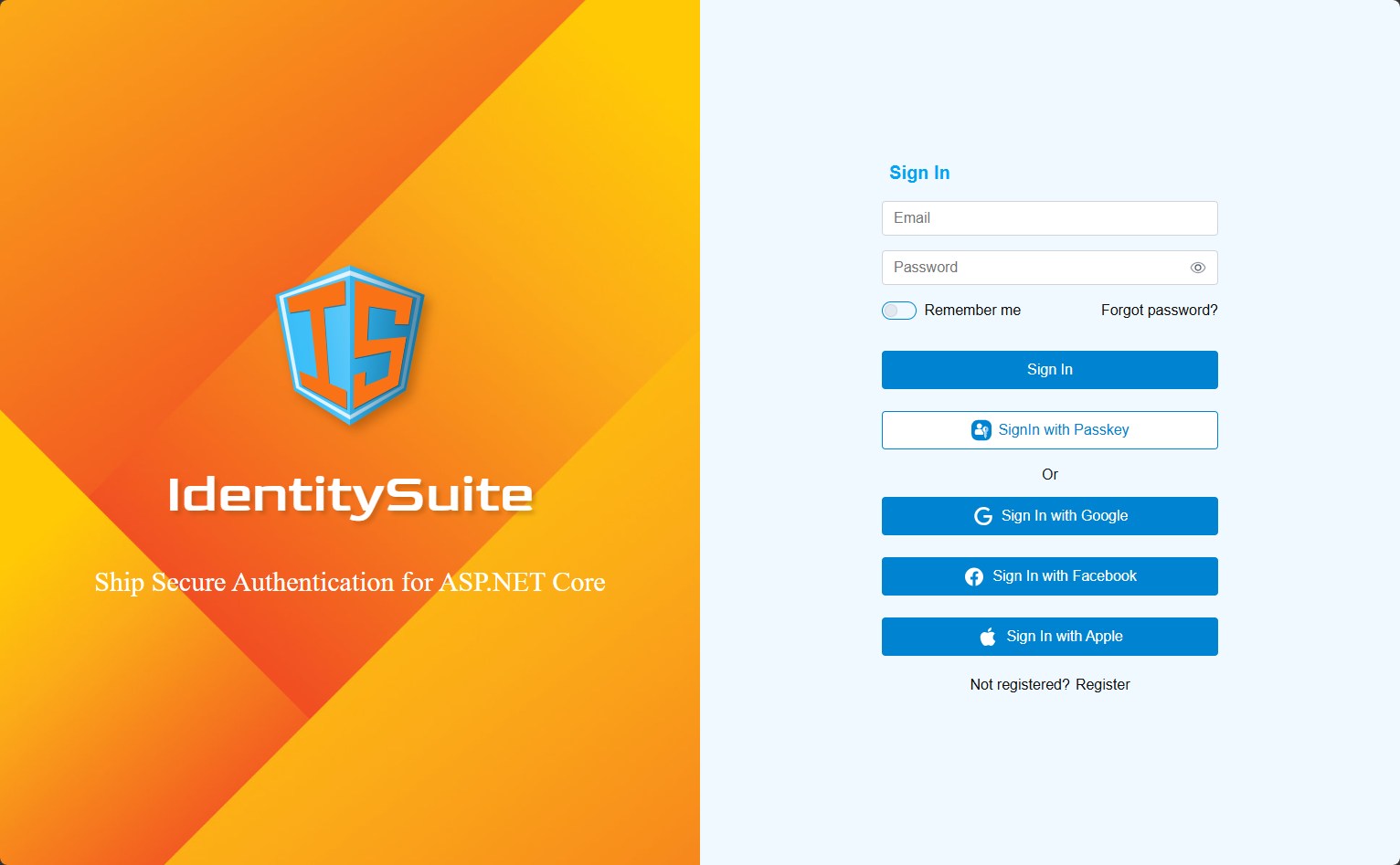
Full-screen split layout sign-in with network background
Desktop sign-in page using the split layout template rendered edge-to-edge without a card border: a brand panel with a background image on the left, and the sign-in form with full-width Google, Facebook and Apple buttons on the right
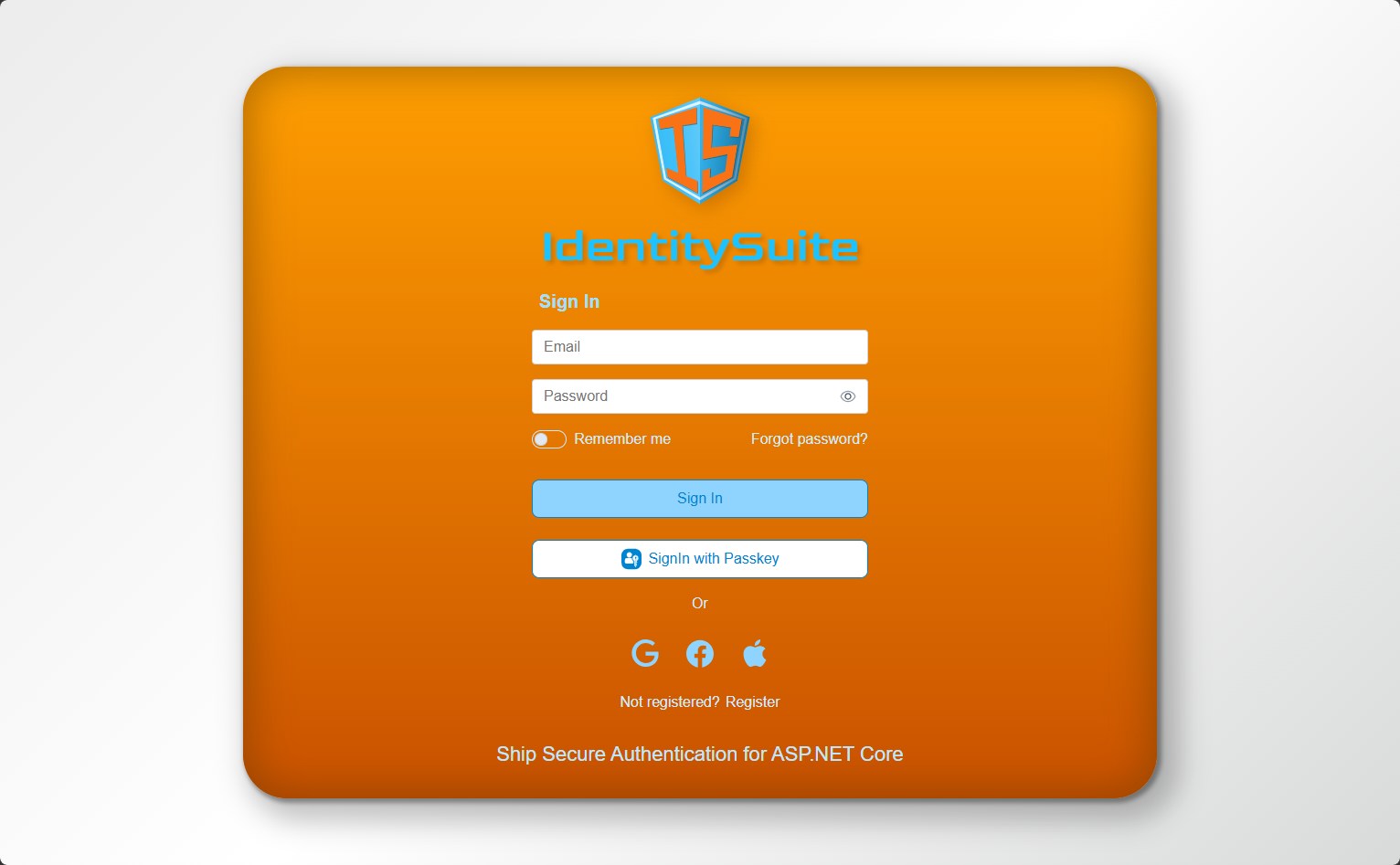
Centered sign-in card with logo header, orange theme
Desktop sign-in page using the centered layout template: an orange gradient card with the logo above the form, email and password fields, a passkey button, and the tagline shown at the bottom of the card
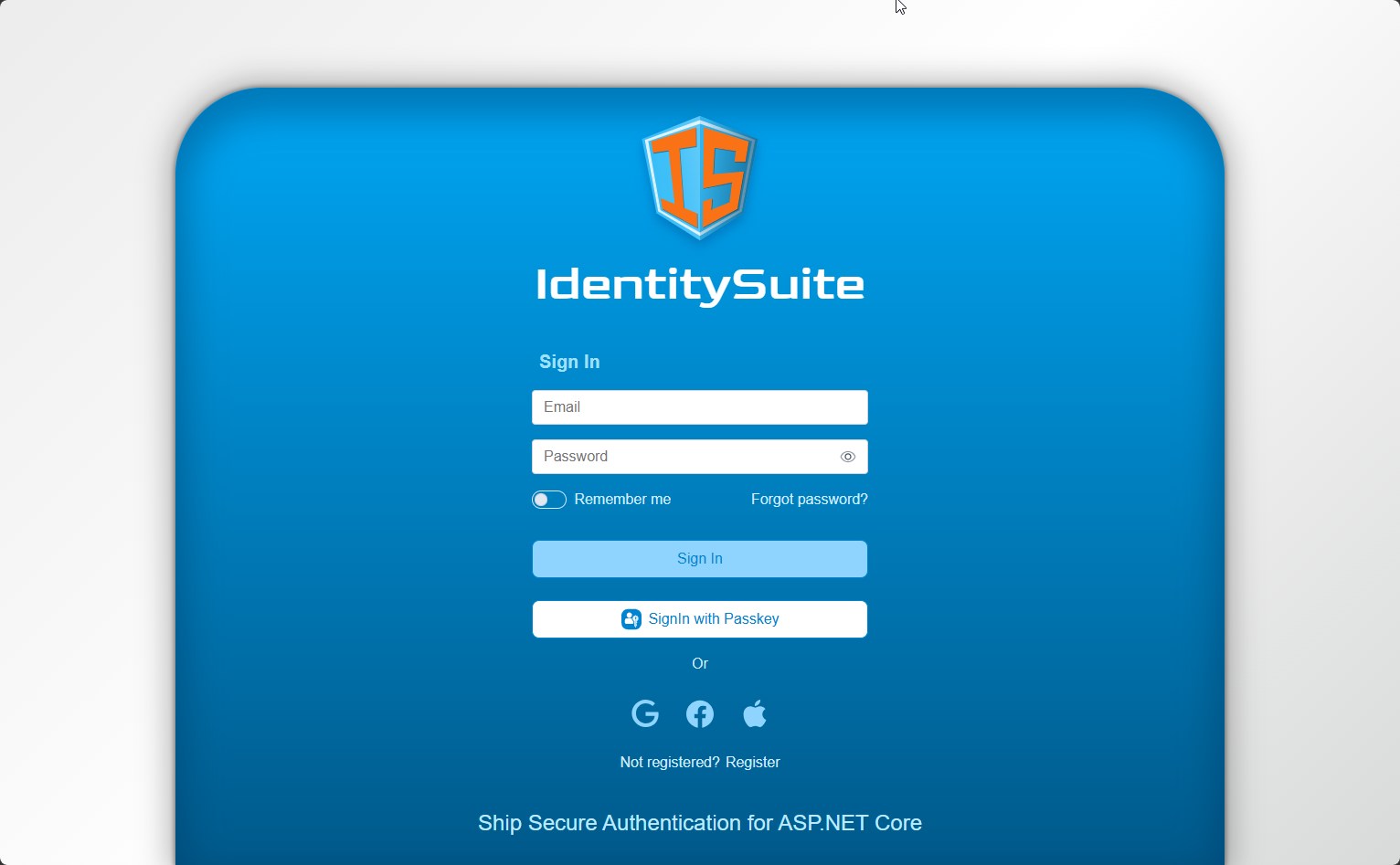
Full-screen centered sign-in, blue theme
Desktop sign-in page using the centered layout template rendered edge-to-edge without a card border: a blue gradient background with the logo, the sign-in form, and the tagline at the bottom
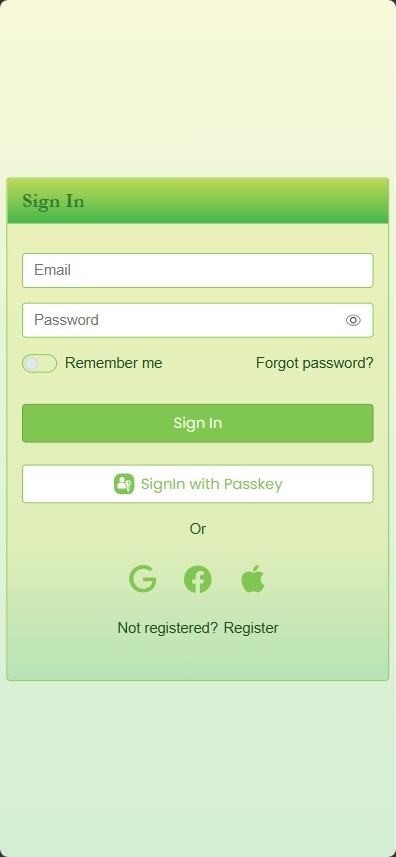
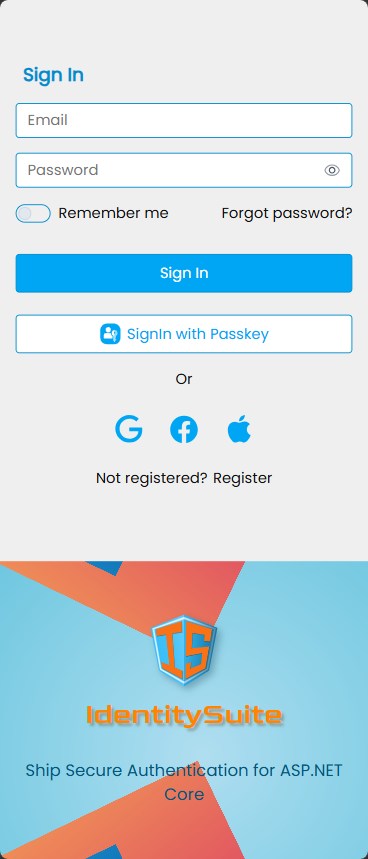
Centered sign-in card, lime theme
Mobile view of the centered layout sign-in page: a compact card with a green header, email and password fields, a passkey button, and social sign-in icons
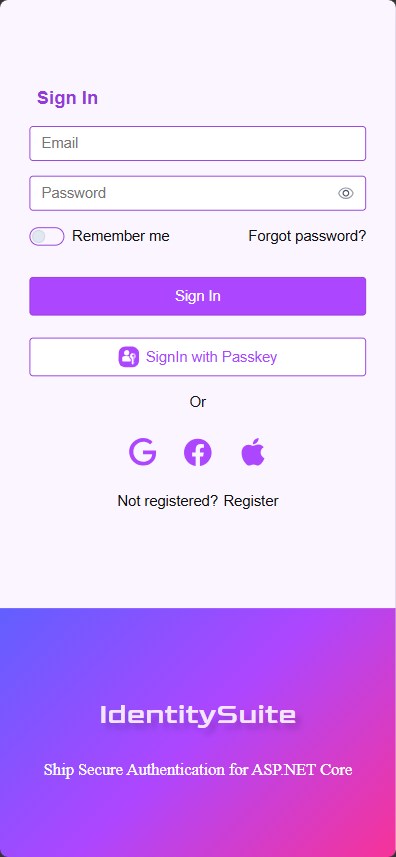
Split layout sign-in stacked, brand panel below
Mobile view of the split layout sign-in page: the form is stacked on top and the violet brand panel with tagline is shown below
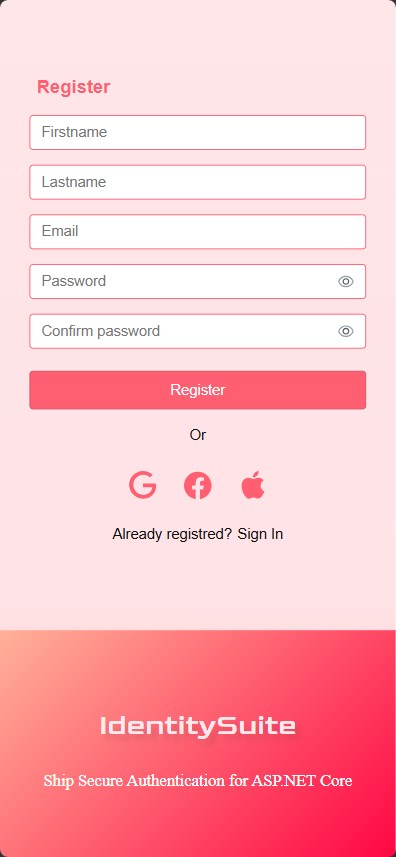
Split layout register stacked, brand panel below
Mobile view of the split layout register page: the form is stacked on top and the salmon brand panel with tagline is shown below
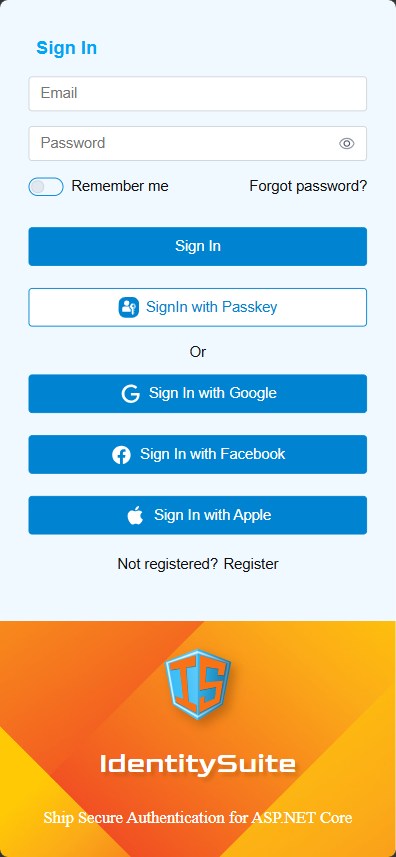
Split layout sign-in stacked, brand panel below
Mobile view of the split layout sign-in page: the form is stacked on top in a light theme and the blue-and-orange brand panel with the logo is shown below
Full-screen split layout sign-in stacked, network background
Mobile view of the full-screen split layout sign-in page: the form with full-width Google, Facebook and Apple buttons is stacked on top, and the network-themed brand panel is shown below
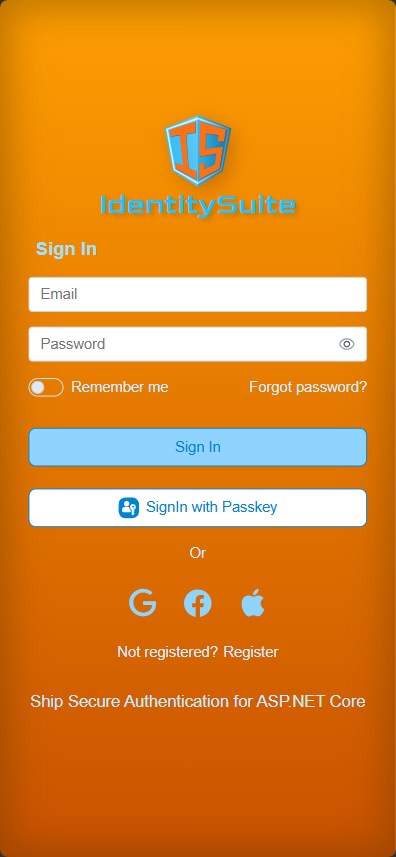
Centered sign-in card with logo header, orange theme
Mobile view of the centered layout sign-in page: an orange gradient card with the logo above the form and the tagline at the bottom
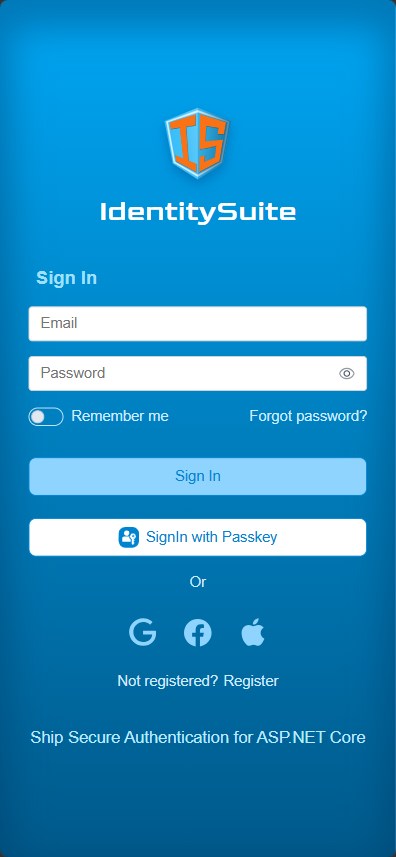
Full-screen centered sign-in, blue theme
Mobile view of the centered layout sign-in page rendered edge-to-edge in a blue gradient theme, with the logo, form and tagline stacked vertically
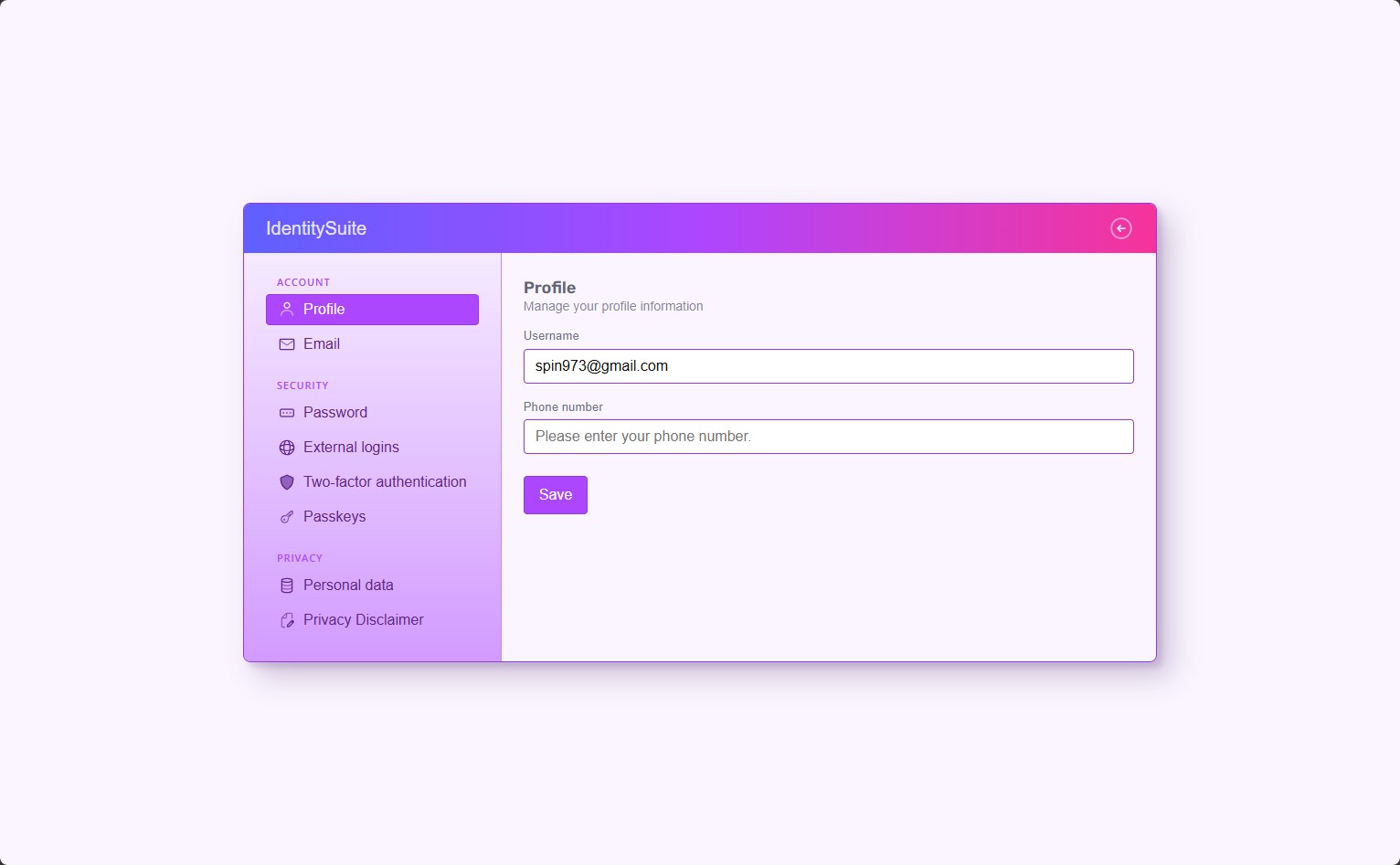
Account profile page with sidebar navigation
Desktop view of the account management page in a purple theme: a left sidebar grouped into Account, Security and Privacy sections, with the Profile page open showing the username and phone number fields
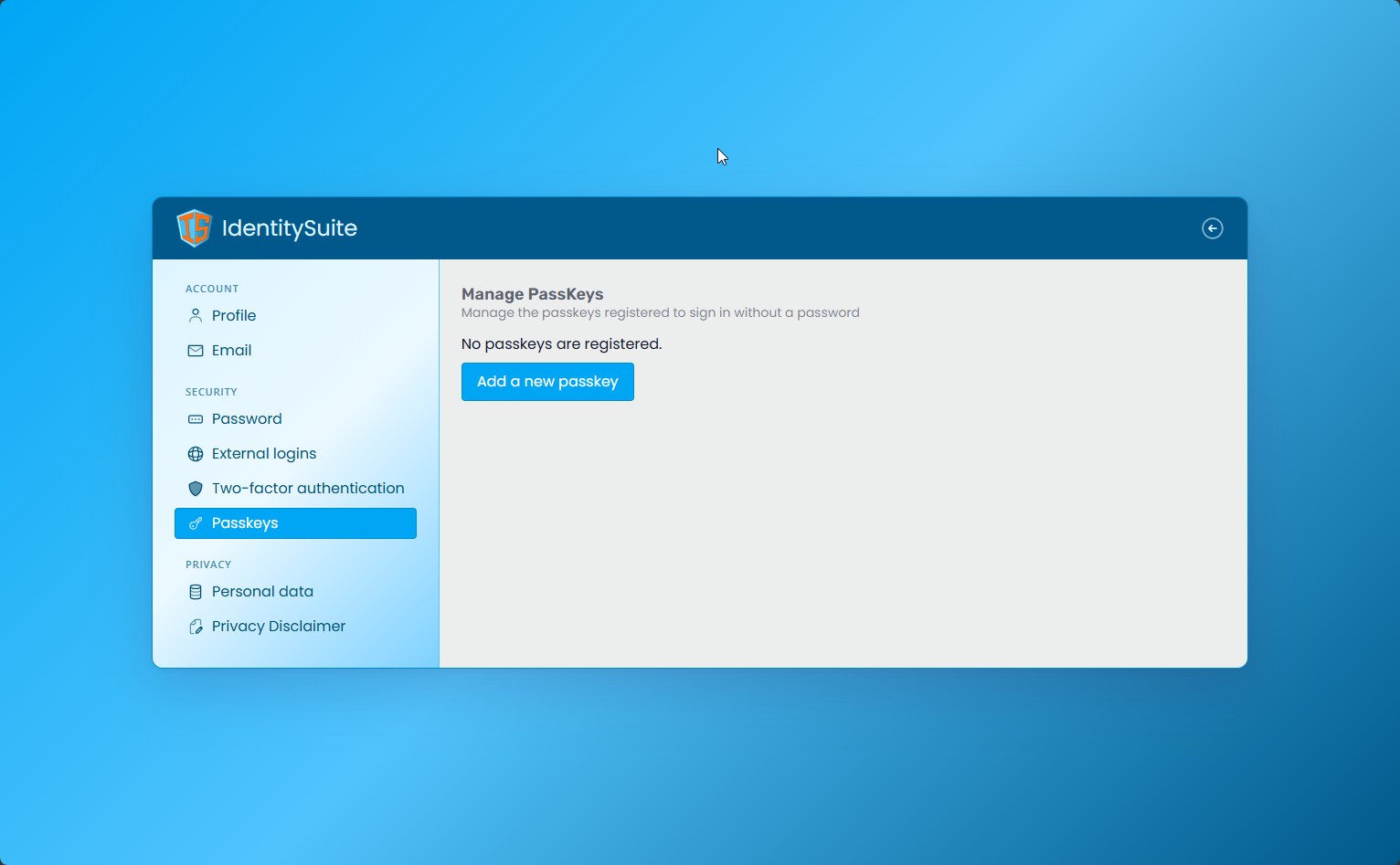
Passkeys management page with sidebar navigation
Desktop view of the account management page in a blue theme, showing the Passkeys section with no passkeys registered and an 'Add a new passkey' button
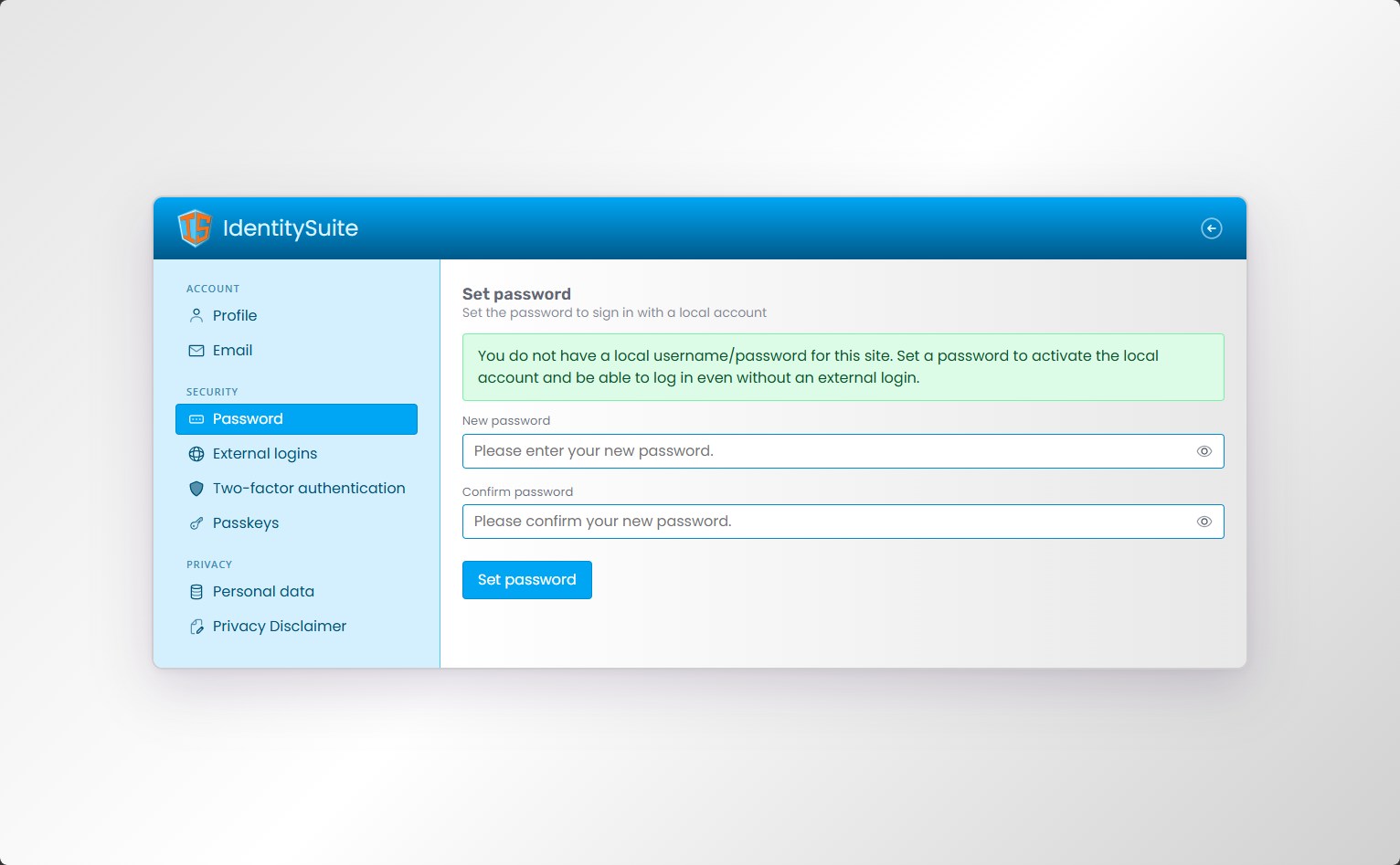
Set password page with sidebar navigation
Desktop view of the account management page in a blue theme, showing the Password section with a notice about local sign-in and fields to set a new password
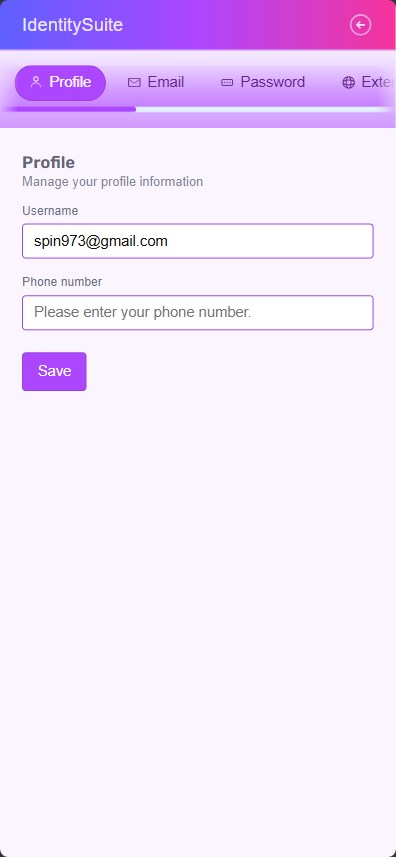
Account profile page with tab navigation
Mobile view of the account management page in a purple theme: horizontal scrollable tabs replace the sidebar, with the Profile tab open showing the username and phone number fields
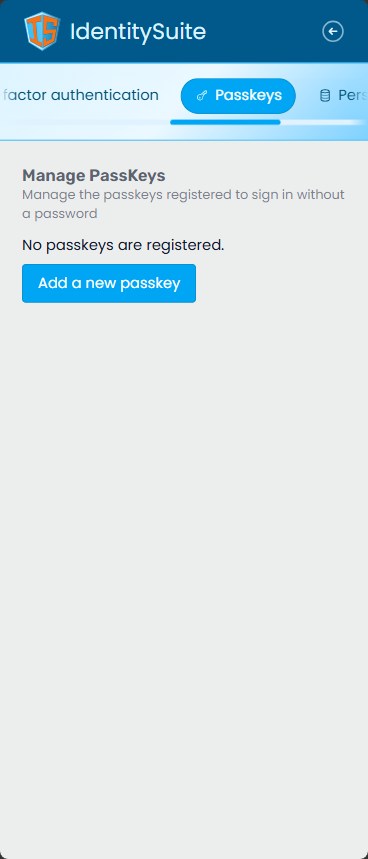
Passkeys management page with tab navigation
Mobile view of the account management page in a blue theme, showing the Passkeys tab with no passkeys registered and an 'Add a new passkey' button
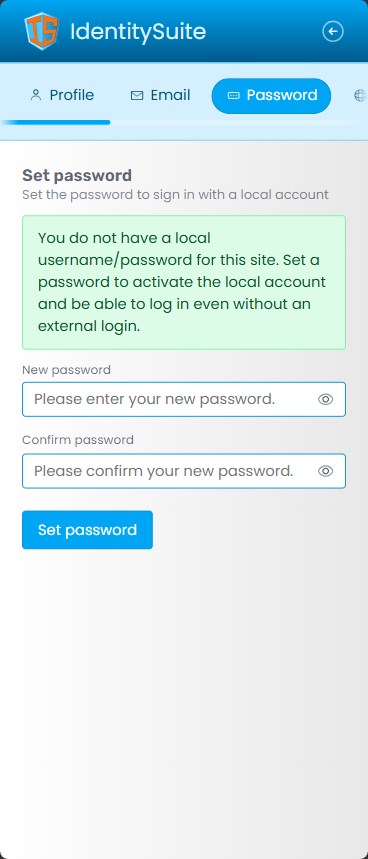
Set password page with tab navigation
Mobile view of the account management page in a blue theme, showing the Password tab with fields to set a new local password