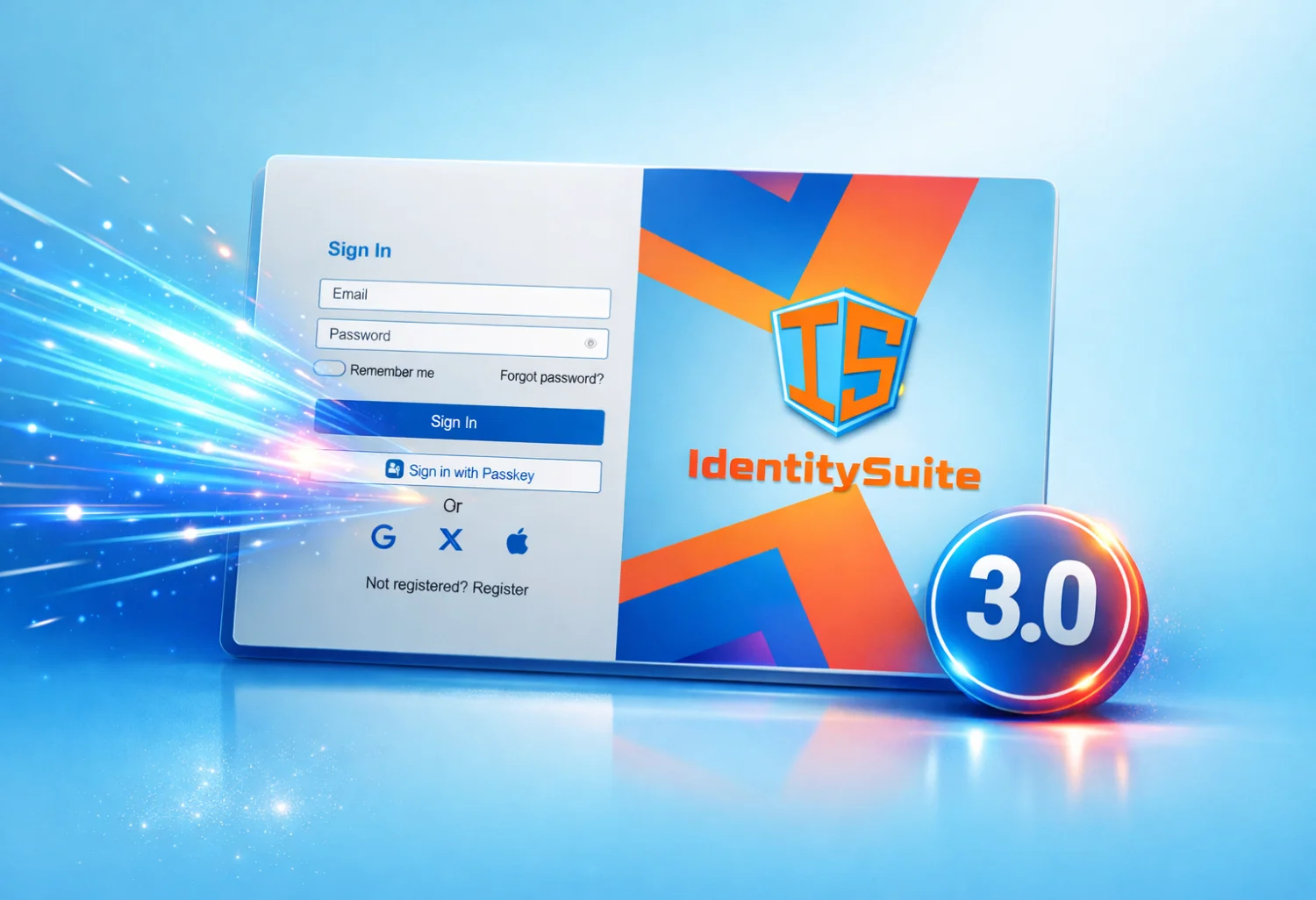
Introducing IdentitySuite 3.0
What’s New in IdentitySuite 3.0
IdentitySuite 3.0 is our most visually ambitious release yet. We’ve reimagined how developers and designers customize authentication and account management pages, introducing a modern Theme Builder with new templates, gradient support, image backgrounds, and a centralized image library shared across each client.
🚀 Highlight
• New Theme Builder with 4 templates
• Gradient and image backgrounds
• Centralized Image Library per client
• New social login providers: GitHub, Apple, LinkedIn, Instagram
• Live preview with desktop/mobile emulation
• Automatic section highlighting while editing
1. A Completely Redesigned Theme Builder
The new Theme Builder introduces a more intuitive and powerful way to customize every visual aspect of your authentication and account management pages. With four new templates and dozens of configurable properties, IdentitySuite 3.0 gives you full control over layout, spacing, typography, backgrounds, and branding.
Four New Layout Templates
- Centered Form — Classic layout with the form centered and the logo above.
- Form Left — Form on the right, brand panel on the left.
- Form Right — Form on the left, brand panel on the right.
- Centered Layout — Logo and title above the form, subtitle below.
Each template unlocks different customization options inside the Theme Builder, such as Page Container, Brand Panel, Card Header, and Card Body.
Gradient & Image Backgrounds
Version 3.0 introduces full support for gradient backgrounds and image backgrounds across multiple sections, including Page, Page Container, Brand Panel, and Card Body. This allows you to create visually rich and modern layouts with minimal effort.
Live Preview with Automatic Highlighting
The preview area now includes desktop and mobile emulation, and automatically highlights the section you are editing with a red outline. This makes it easier to understand exactly which part of the page is being modified.
💡 Pro Tip
Use the Page Container width and max‑width settings to create full‑page layouts or compact card‑style authentication screens.
2. New Social Login Providers
IdentitySuite 3.0 expands its authentication capabilities with four new social login providers: GitHub, Apple, LinkedIn, and Instagram. Combined with the existing Google, Facebook, and Microsoft providers, this update offers more flexibility and a smoother onboarding experience for end users.
3. Centralized Image Library
Each client now includes a centralized Image Library used for logos, background images, and brand assets. Images can be uploaded, reused, or removed directly from the Appearance panel or the Email Builder, ensuring consistent branding across all pages and email template.
The Theme Builder integrates seamlessly with the Image Library, allowing you to select logos and background images while customizing the Brand Panel or Page Container.
📘 Documentation
Explore the full Theme Builder guide here: identitysuite.net/documentation/ThemeBuilder
📸 New: IdentitySuite UI Gallery
We’ve introduced a new UI Gallery showcasing real examples of themes created with the
IdentitySuite 3.0 Theme Builder.
It’s a great way to explore layout ideas, color combinations, and branding approaches before
customizing your own client.
Visit the gallery here:
identitysuite.net/identity-gallery
4. Improved Branding Controls
Brand Title, Brand Subtitle, and Logo Source have been enhanced with new typography, spacing, alignment, and shadow options. Logo rendering now supports object‑fit, position, margin, and custom sizing, giving you complete control over brand presentation.
💡 Pro Tip — Default Values
The Default Values accordion allows you to define global parameters such as background, color, border‑radius, border‑width, and typography. When you click Apply, these values are automatically propagated to all compatible elements, instantly updating the entire theme preview. You can then refine individual components using their specific settings for precise visual control.
5. Enhanced Account Management Customization
Account pages now support deeper customization through dedicated sections for Page, Card, Card Header, Card Body, Nav Menu, and Nav Button. Backgrounds, spacing, typography, and hover/selected states can be configured independently for a polished and consistent user experience.
Ready to Explore IdentitySuite 3.0?
The fastest way to get started is through our example projects repository — ready-to-run sample
applications and pre-built client configurations for several common scenarios, so you can have a
working setup without writing configuration from scratch:
github.com/spin973/IdentitySuite
IdentitySuite's core identity server — OIDC/OAuth 2.0 flows, user and client management, full configuration — is free with no time limit for deployments up to 1 client and 100 users. Premium features like the Theme Builder shown in this article, along with the Dashboard and Email Template Builder, are available as a full 30-day preview on the Free plan, so you can try them before deciding whether to upgrade. Paid plans start at €349/year, with a 14-day no-questions-asked refund.
Full documentation:
identitysuite.net/documentation
Upgrading from 2.x
Upgrading to 3.0 is straightforward: update your NuGet packages (IdentitySuite and
IdentitySuite.EntityFrameworkCore) to version 3.0.0, enable Apply migrations in your
Database settings, and start your application — the required migrations are applied
automatically on startup, no manual database work needed.
Existing client themes remain fully compatible with the new theming system, so no action is required after upgrading. If you'd like to adopt the new Theme Builder defaults on an existing client, you can reset the theme at any time from Configuration → Theme Editor.
If your project overrides IdentitySuite's controller endpoint delegates, note that their signatures have changed in 3.0 — see the migration guide for details.

About IdentitySuite
IdentitySuite simplifies enterprise authentication for .NET developers. Built on proven technologies like ASP.NET Core Identity and Openiddict, we eliminate the complexity of OAuth 2.0 and OpenID Connect implementation while maintaining enterprise-grade security standards.